Personal Project
Flow
Productivity & Budget Management
Productivity
Budgeting
Insights
Flow combines task management and personal finance into one intuitive platform, helping users organize their day, monitor spending, and build better habits through a clean and user-friendly experience.
Role
UI/UX Designer
Platform
Web Application
Duration
3+ Months
Tool Used
Figma
Status
In Progress

The Problem
Managing tasks and personal finances across different tools can be inefficient, making it harder to stay organized and maintain a clear overview of daily priorities.
The Goal
Design a unified platform that simplifies task management and budget tracking through an intuitive interface, helping users stay organized and make informed decisions.
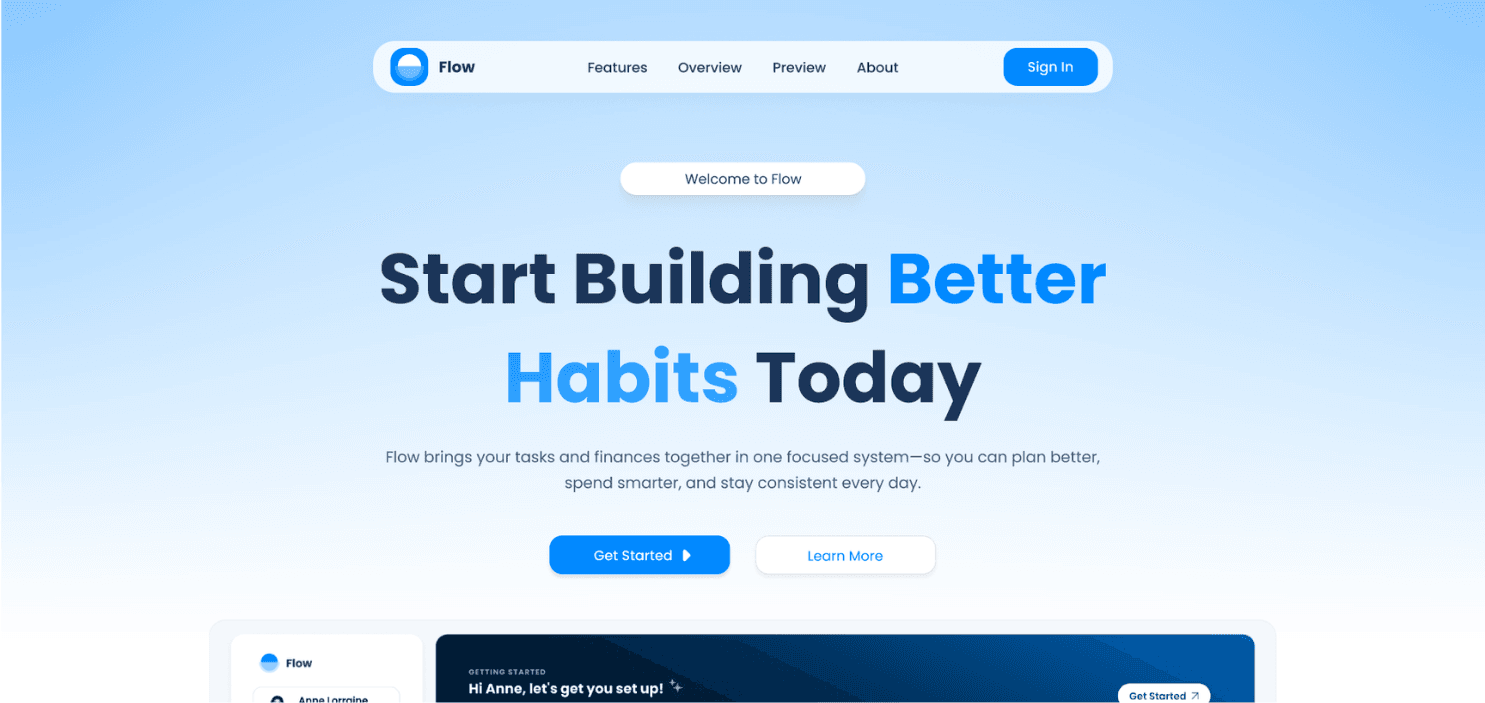
High-fidelity interfaces designed for smooth task organization and visual budget tracking.
Guided Onboarding & Overview
Designed a clean dashboard layout with a clear visual hierarchy and a step-by-step onboarding checklist. By organizing key setup actions upfront, it helps new users quickly customize their task frames and set budget goals without feeling overwhelmed.

Dynamic Task Management & Details
Created flexible interface components featuring color-coded priority tags, high-contrast text, and clear buttons. The layout makes it easy for users to quickly scan, categorize, and complete daily tasks with smooth visual feedback.


Personal Budget & Spend Tracking
Transformed complex financial numbers into simple visual components like progress bars, charts, and clean card layouts. Using intentional color coding and structured spacing, users can easily track their spending habits and budget limits at a glance.


Flow is designed to bring daily task management and personal finance together in one place, using clean visuals and structured layouts to help users stay organized without cognitive overload.
1
Unified Dashboard Experience
Combines task management and budget tracking into a single view, eliminating context switching and helping users manage daily priorities seamlessly.
2
Interactive Onboarding & Checklist
A step-by-step setup guide that walks new users through setting up task categories and financial targets to lower onboarding friction.
3
Visual Budget & Progress Indicators
Uses dynamic progress bars, color-coded categories, and visual financial cards to make tracking expenses and spending limits fast and effortless.